
Marketing · Landing Pages and Forms
Pages and forms that bring in customers.
A landing page built for one thing only: turning visitors into contacts. Create one in minutes, with copy, images and a form, and every request goes straight into your CRM.
- AI-generated in 5 steps
- Edit right on the page
- Every request lands in the CRM
- No credit card
- Ready in minutes
- Free plan
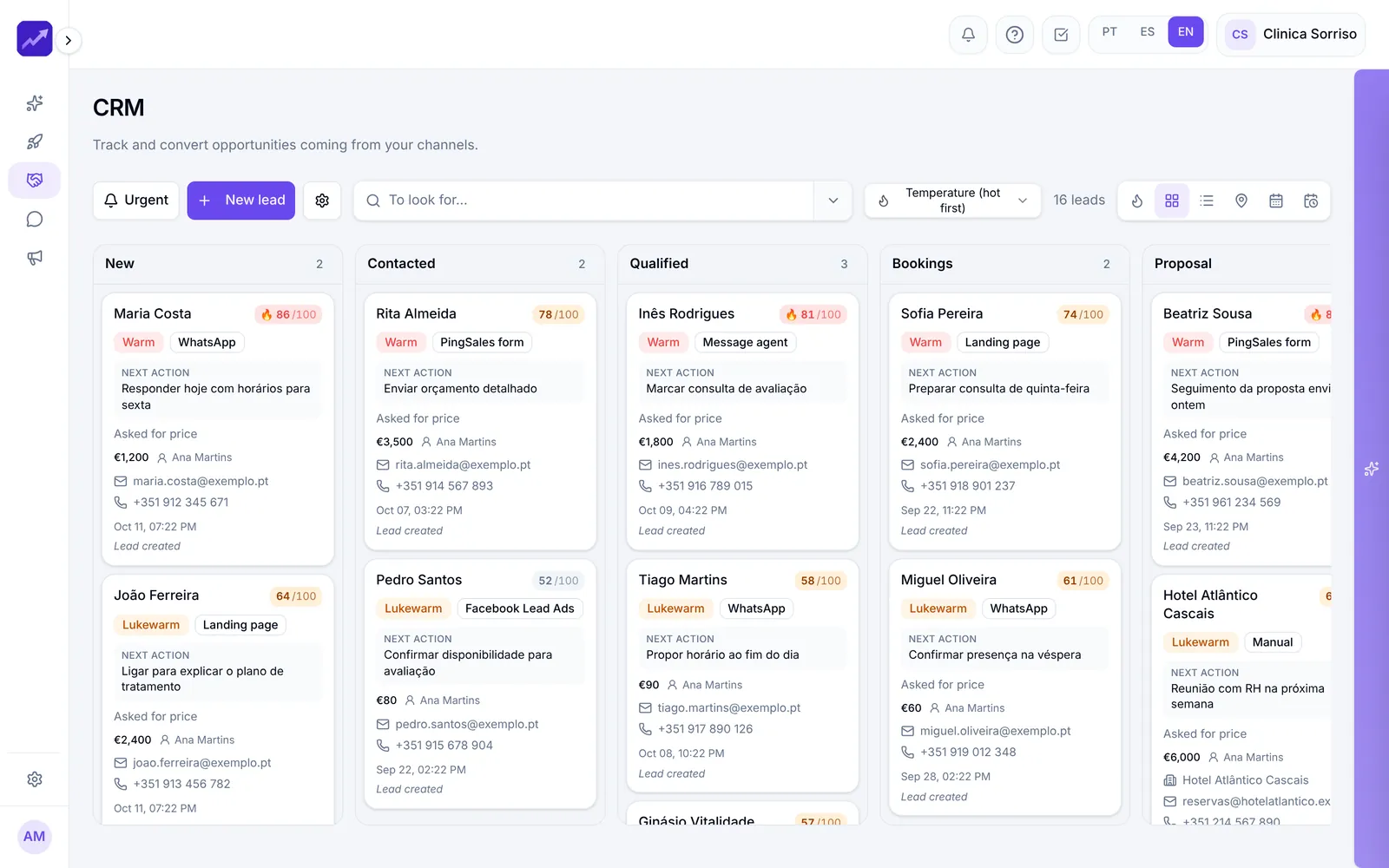
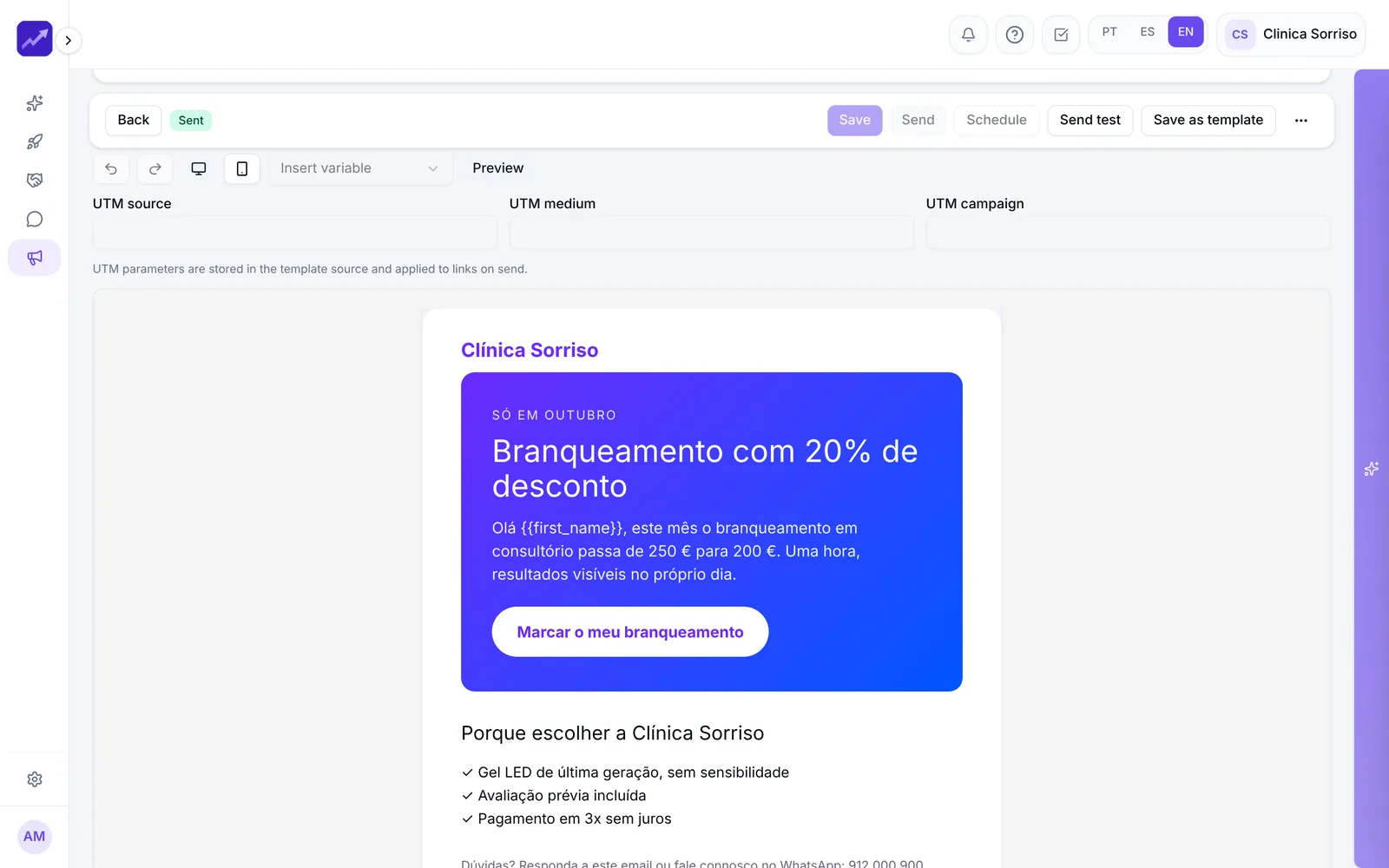
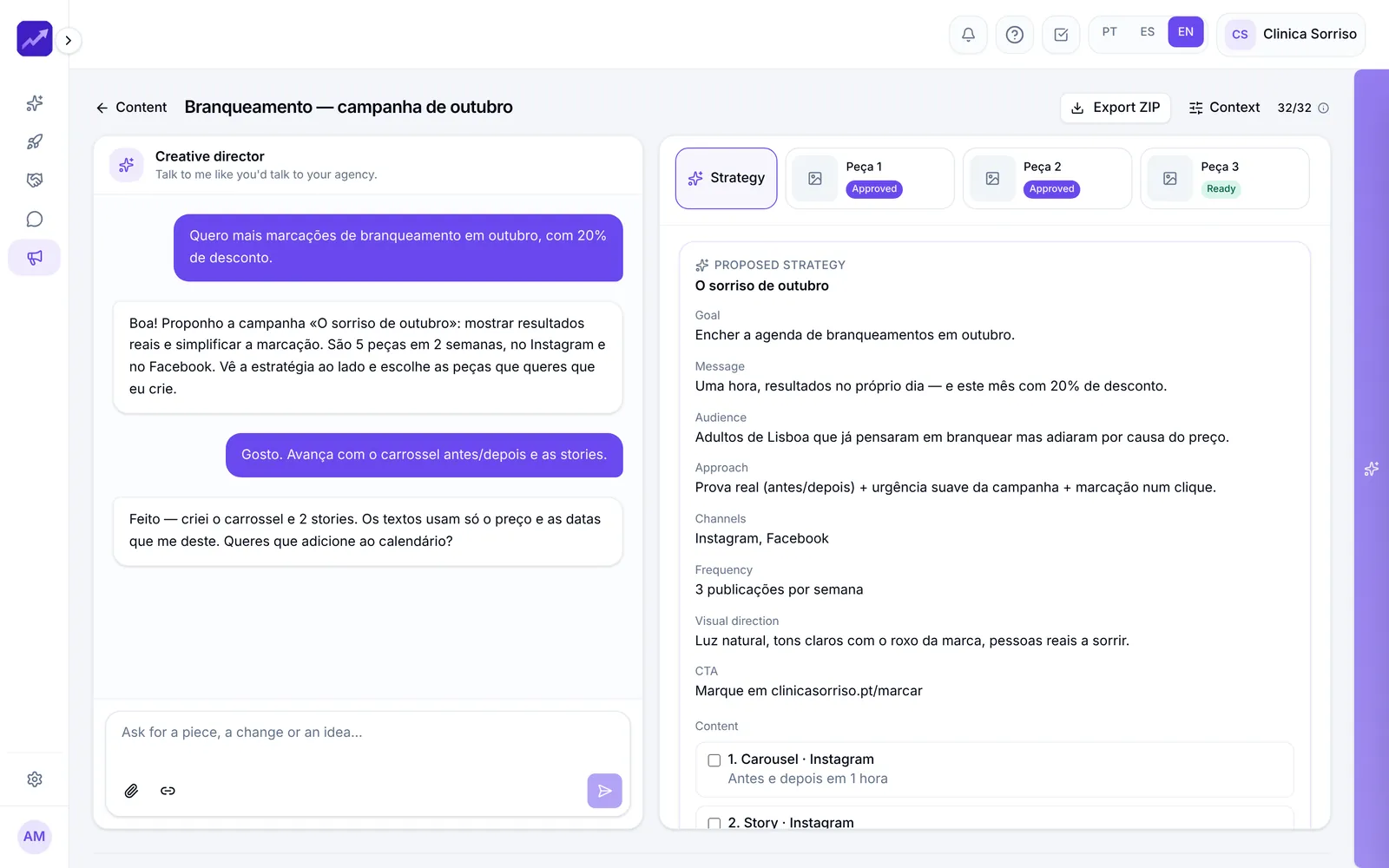
Real PingSales screens with fictitious sample data (Clínica Sorriso). Click to enlarge.
Know how well every page converts.
The list shows visits, leads and conversion for all your pages. Follow each page's stats, and in the CRM the lead appears with the source and campaign it came from.
- Page address, plus the title and description Google shows
- Success message and the CRM stage new leads enter
- Google Analytics connection
Forms in seconds — or by conversation.
Start from scratch, from a template (contact, quote, booking) or describe what you need: “I want to collect quote requests for dental implants.” It's ready, already connected to the CRM and with the right privacy consent.
- Drag in fields; classic, multi-step or conversational
- Colours and corners to match your brand, with desktop and mobile previews
- Ask the AI for changes: “add a question about budget”
Every response is already in the CRM.
Share the link or drop the code into any website, with examples for WordPress, Webflow and Shopify. Each response creates or updates the contact, the opportunity and the follow-up task.
- Spam blocked automatically
- Consent recorded for each person
- How many viewed, started and submitted — and the step where people drop off
In detail
From ad to lead, no coding
- Uses what it already knows
With your knowledge base you barely type: give it a name, pick a goal, and the AI proposes what you sell, to whom and why.
- Automatic branding
“Fill with AI” picks up your colours and logo — and asks if you want to use the logo it found on your website.
- The AI grades its own work
At the end it gives the page a quality score and, if the score is low, rebuilds it automatically.
- Edit like a document
Double-click a heading, click an image, get three alternatives for any text. Add testimonials, FAQs, pricing or your booking calendar.
- Changes by conversation
“Make the page feel more premium” — the AI explains what it will do and only changes things once you confirm.
- Form and chat included
Switch on the contact form and the chat agent in the corner of the page.
How it works
A landing page in minutes
- 1Set the goal
Name the page and say what you want: bookings, requests, contacts.
- 2The AI builds it
It analyses your brand, writes the copy and picks the images.
- 3Tweak and publish
Edit on the page, check it on mobile and publish in one click.
Questions
Frequently asked questions
Do I need to know how to code?
No. You edit directly on the page and ask the AI for changes in plain words. For forms there's ready-made code for WordPress, Webflow and Shopify.
Where do the requests go?
Straight into the CRM, with their source and campaign, at the stage you choose in the settings.
Are the forms GDPR-compliant?
Every form includes a privacy consent, and each person's consent is recorded.
Keep exploring
Even better together
- CRM and AutomationsA pipeline with 0–100 scoring, AI-suggested next actions, ready-to-send messages and automations.See in detail
- Email MarketingAI-generated emails based on your website, consent-based lists, A/B tests and complete reports.See in detail
- ContentAn AI creative director that knows your brand, proposes strategies and creates posts, carousels and stories.See in detail
Your next customer is already typing
Publish your first landing page today.
Set the goal and the AI does the rest. Start for free.
- No credit card
- Ready in minutes
- Free plan