Sales · Calendar
Bookings without phone calls. And without double-booking.
Appointments, meetings, classes — whatever you offer. Customers book on their own through the public page or WhatsApp, only see slots that are genuinely free, and get a confirmation and reminders. You see it all on the calendar.
- Public booking page
- Email and WhatsApp reminders
- The AI books for you
- No credit card
- Ready in minutes
- Free plan
Real PingSales screens with fictitious sample data (Clínica Sorriso). Click to enlarge.
Know what's happening on your calendar.
The overview shows today's bookings, the cancellation rate and the no-show rate — and where bookings come from: the public page, WhatsApp, website chat or the AI itself.
- Upcoming bookings and most-used appointment types at a glance
- Drag a booking to another slot — PingSales won't let it overlap
- Filter by calendar, service or staff member
What your customer sees.
They choose the service, the staff member, the day and the time, fill in name, email and phone, and confirm. They get an email confirmation, reminders before the appointment and a link to cancel or reschedule without calling you.
- Share the link or send it straight over WhatsApp
- An embed code to put booking on your website
- In person or on Google Meet, with the link created automatically
In detail
A calendar built for real life
- A 10-question wizard
Name and link, opening hours (copied to every weekday in one click), services from your catalogue with suggested durations, team and rules. Then publish.
- Or describe it in words
“A calendar for dental hygiene, Tuesday to Saturday, 10 to 6, just me.” The AI shows a summary and only saves it when you confirm.
- Team and resources
Customers choose the staff member, PingSales spreads bookings across the team, or you run group sessions. Cap simultaneous bookings when a service depends on a chair or treatment bed.
- Blocked time and days off
Holidays, training or a doctor's appointment: one day, a range or weekly, for the whole calendar, one person or one service. It warns you if bookings already exist in that period.
- Rules and reminders
Prevent last-minute bookings, set how late customers can cancel, cut no-shows with reminders and customise notifications by email, WhatsApp and SMS.
- Google Calendar and Outlook
Your personal commitments block out slots, and PingSales bookings show up in your calendar.
How it works
From new calendar to confirmed booking
- 1Create the calendar
Step by step or in a conversation with the AI.
- 2Share it
Link, WhatsApp, your website — or let the AI book across channels.
- 3Get bookings
With confirmations, reminders and self-service rescheduling.
Questions
Frequently asked questions
Can the AI book appointments over WhatsApp?
Yes, once you enable AI bookings for that channel. The AI checks real availability, suggests times and books — without making anything up and without two people in the same slot.
Can I choose which services the AI can book?
Yes. For each service you decide whether the AI may book it on its own.
Can customers reschedule without calling me?
Yes. They get a link to cancel or reschedule, within the cancellation rules you set.
Keep exploring
Even better together
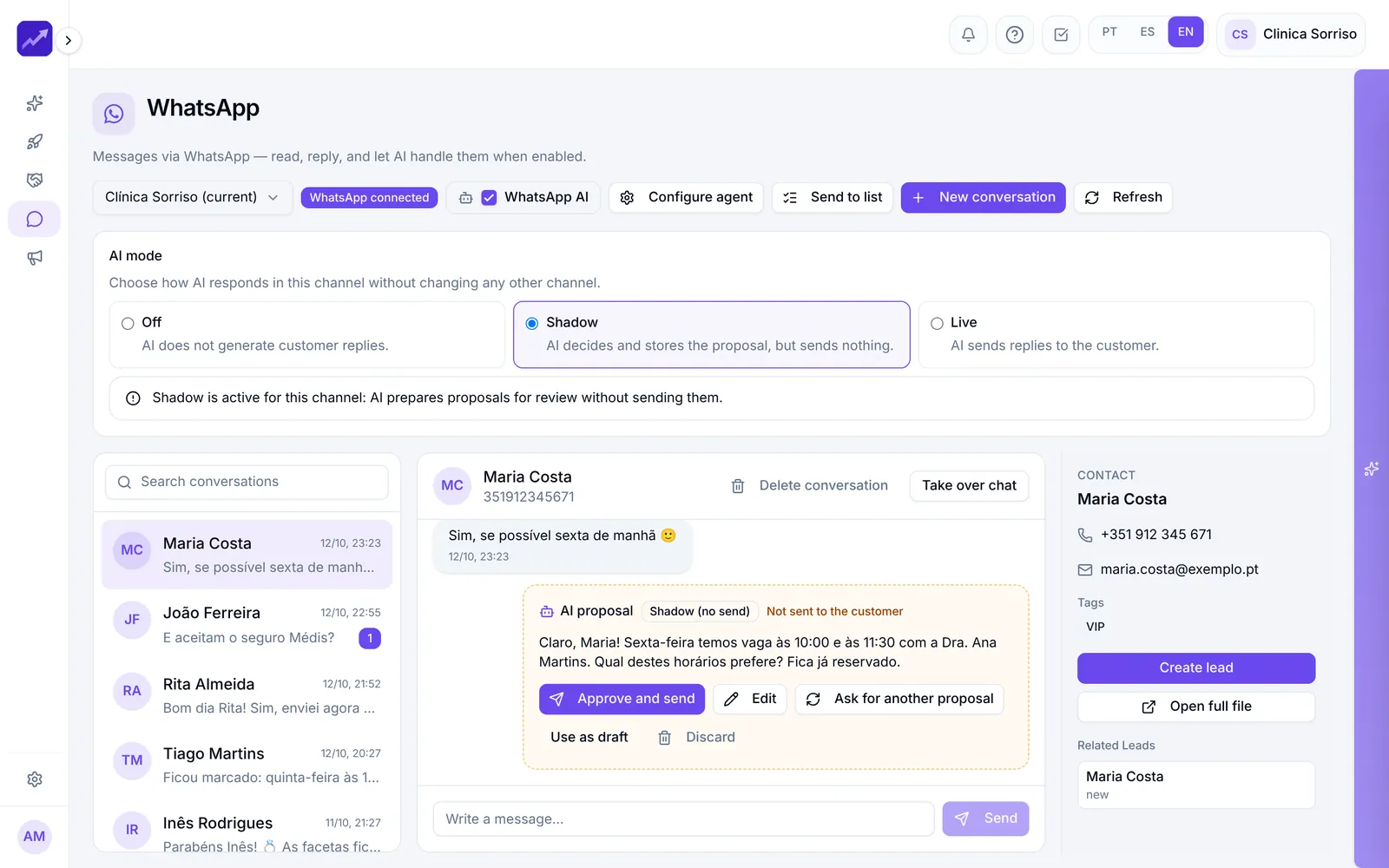
- WhatsApp and SMSEvery company conversation on one shared screen, AI replies in Shadow or Live mode, broadcasts to lists and SMS.See in detail
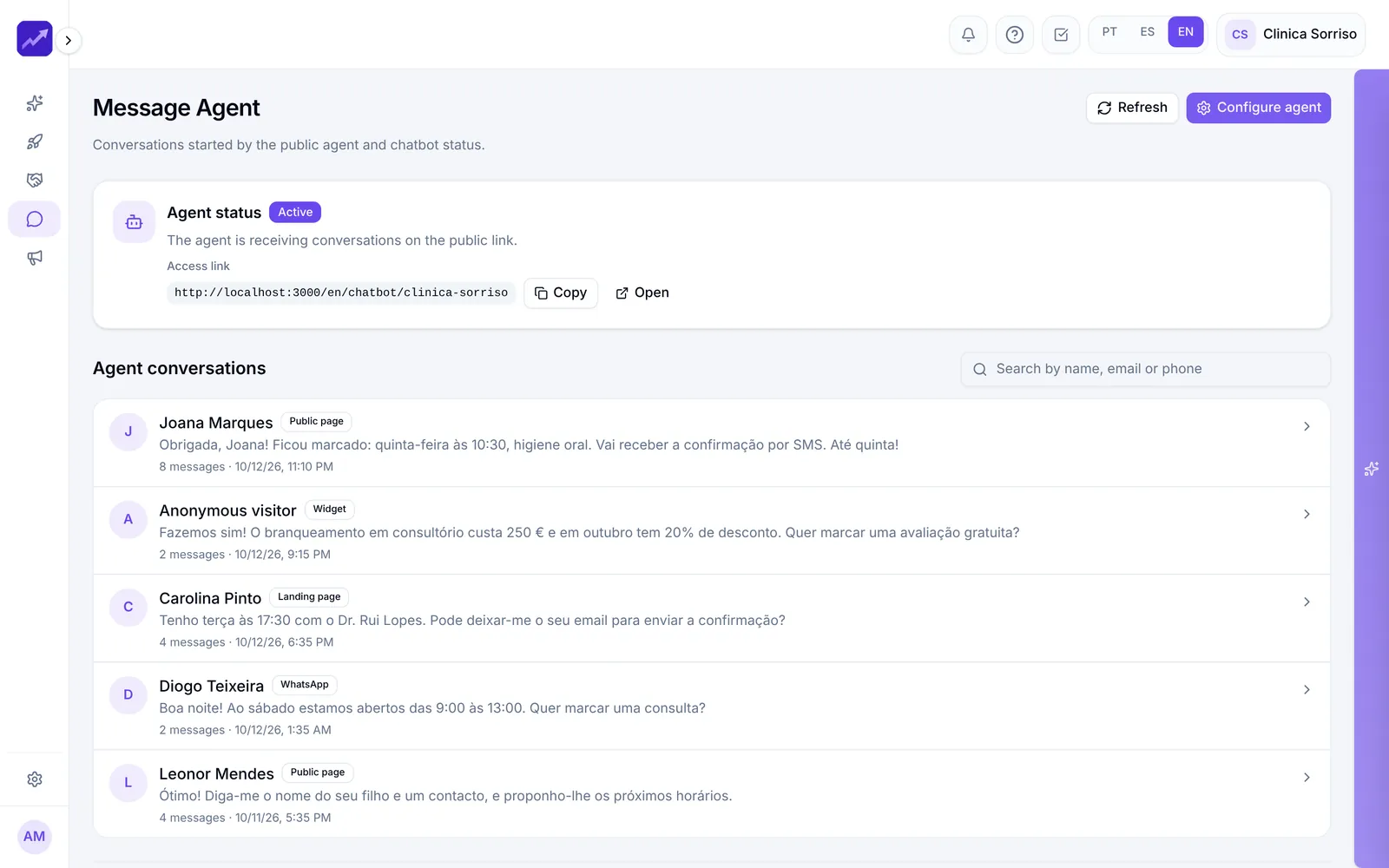
- Messaging AgentA virtual assistant for your website, social profiles or a simple link that answers around the clock and turns conversations into leads.See in detail
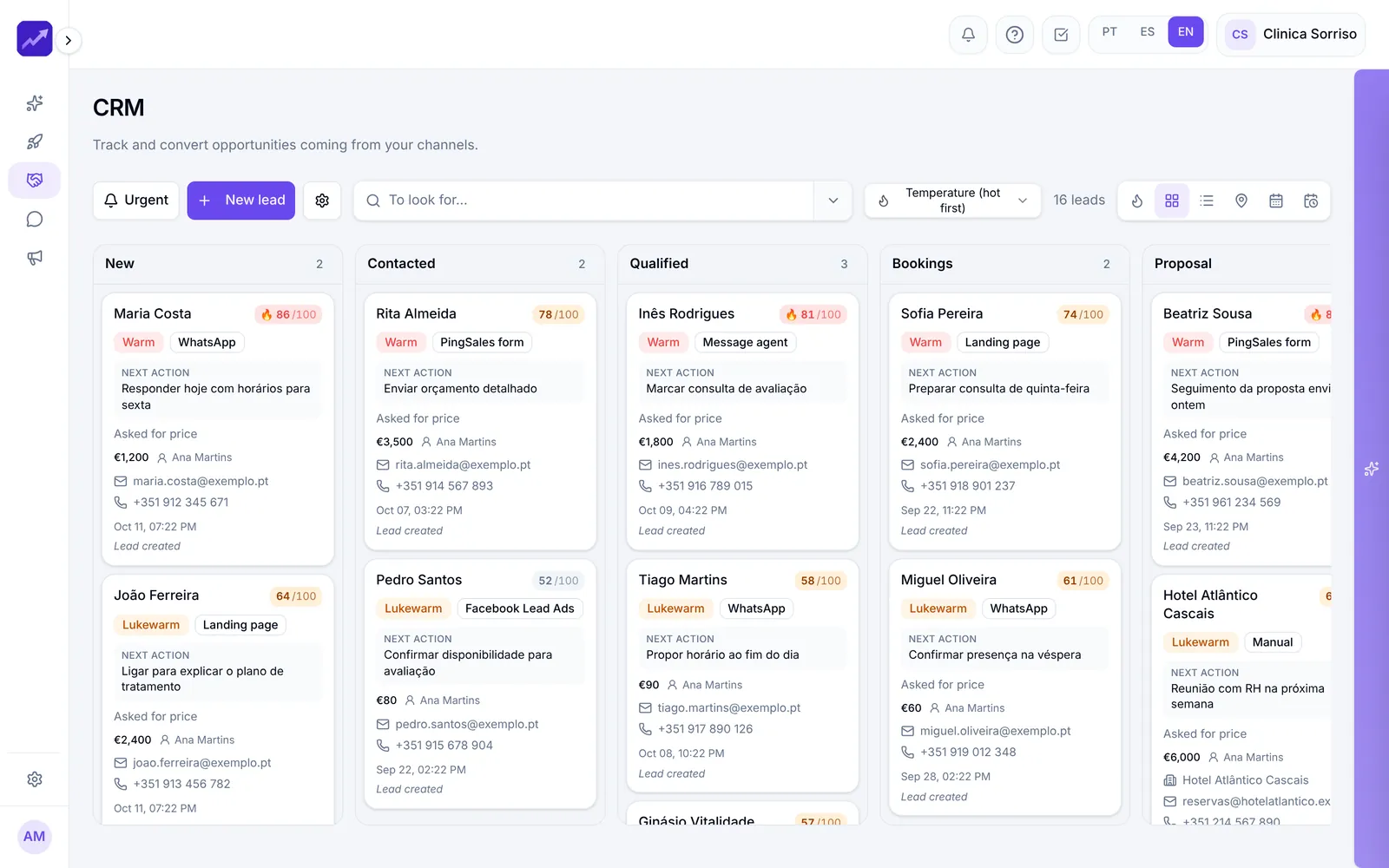
- CRM and AutomationsA pipeline with 0–100 scoring, AI-suggested next actions, ready-to-send messages and automations.See in detail
Your next customer is already typing
Open your online calendar today.
Create your first calendar in minutes and share the link with your customers.
- No credit card
- Ready in minutes
- Free plan