
Sales · Contacts
All your contacts. And the ones you're about to get.
The ones you add by hand, the ones that arrive through WhatsApp and forms, and the ones you generate from the PingSales directory — all in one place, with the full history of every person and company.
- Cards, list or map
- Imports without duplicates
- Business directory for PT and ES
- No credit card
- Ready in minutes
- Free plan
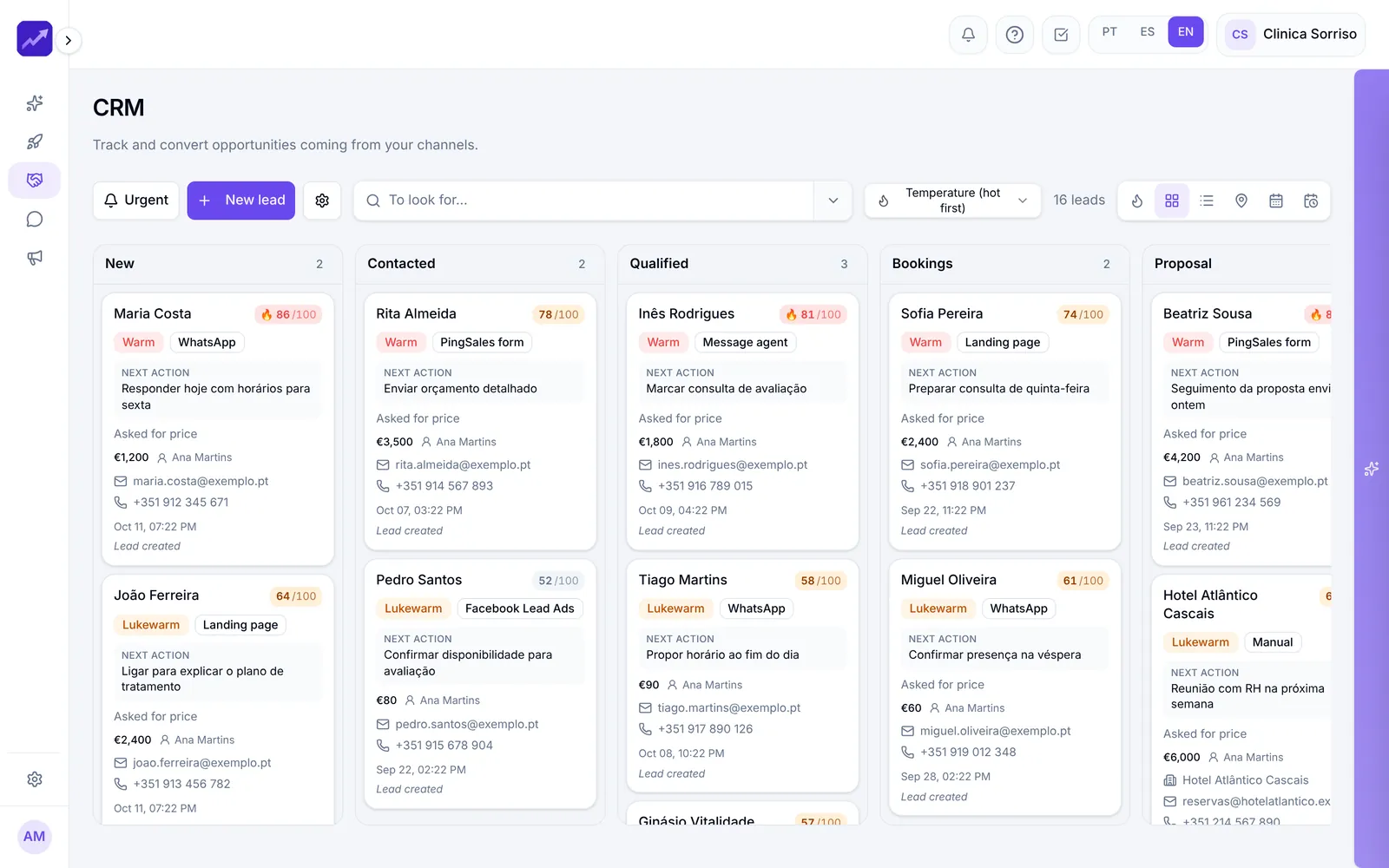
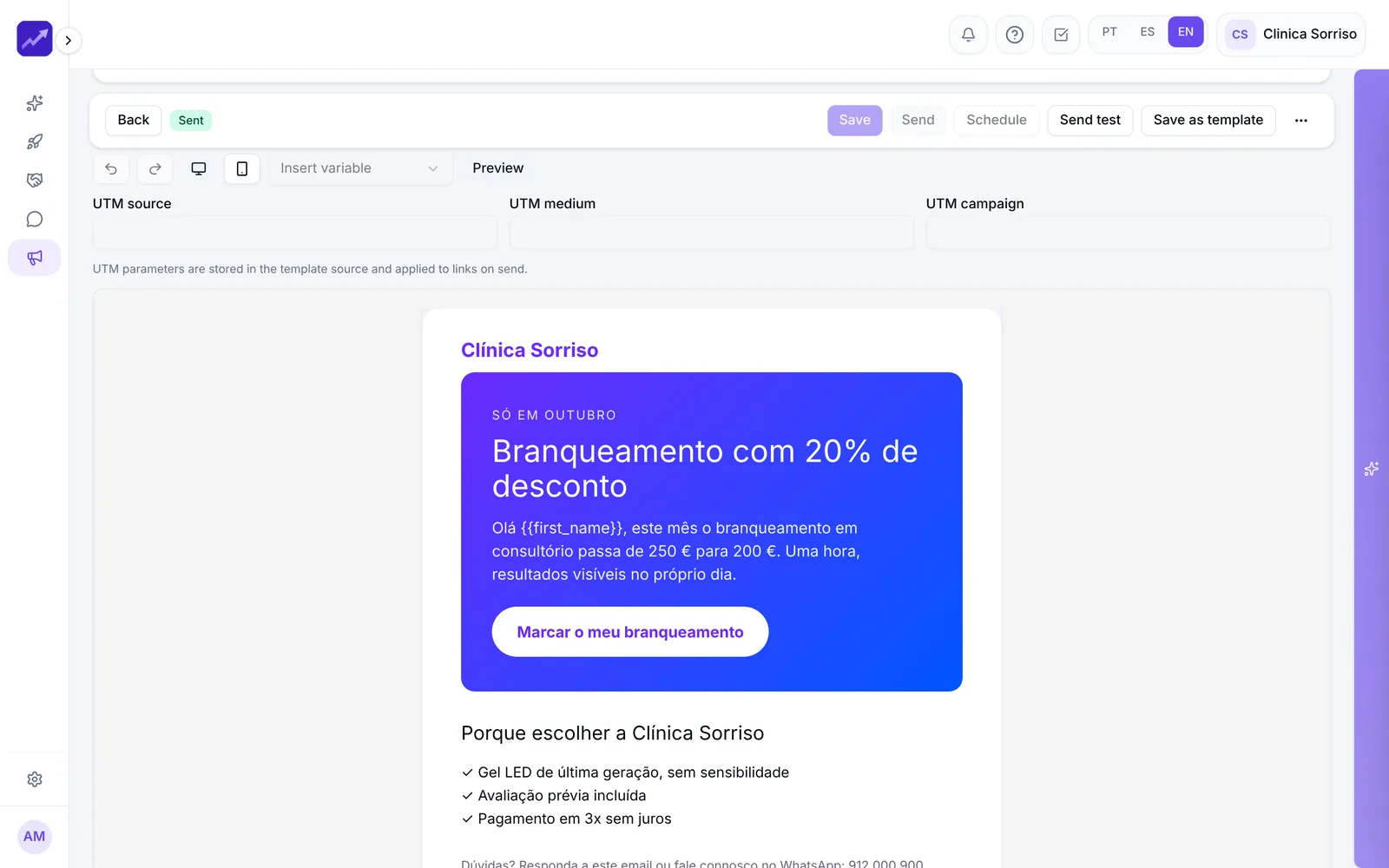
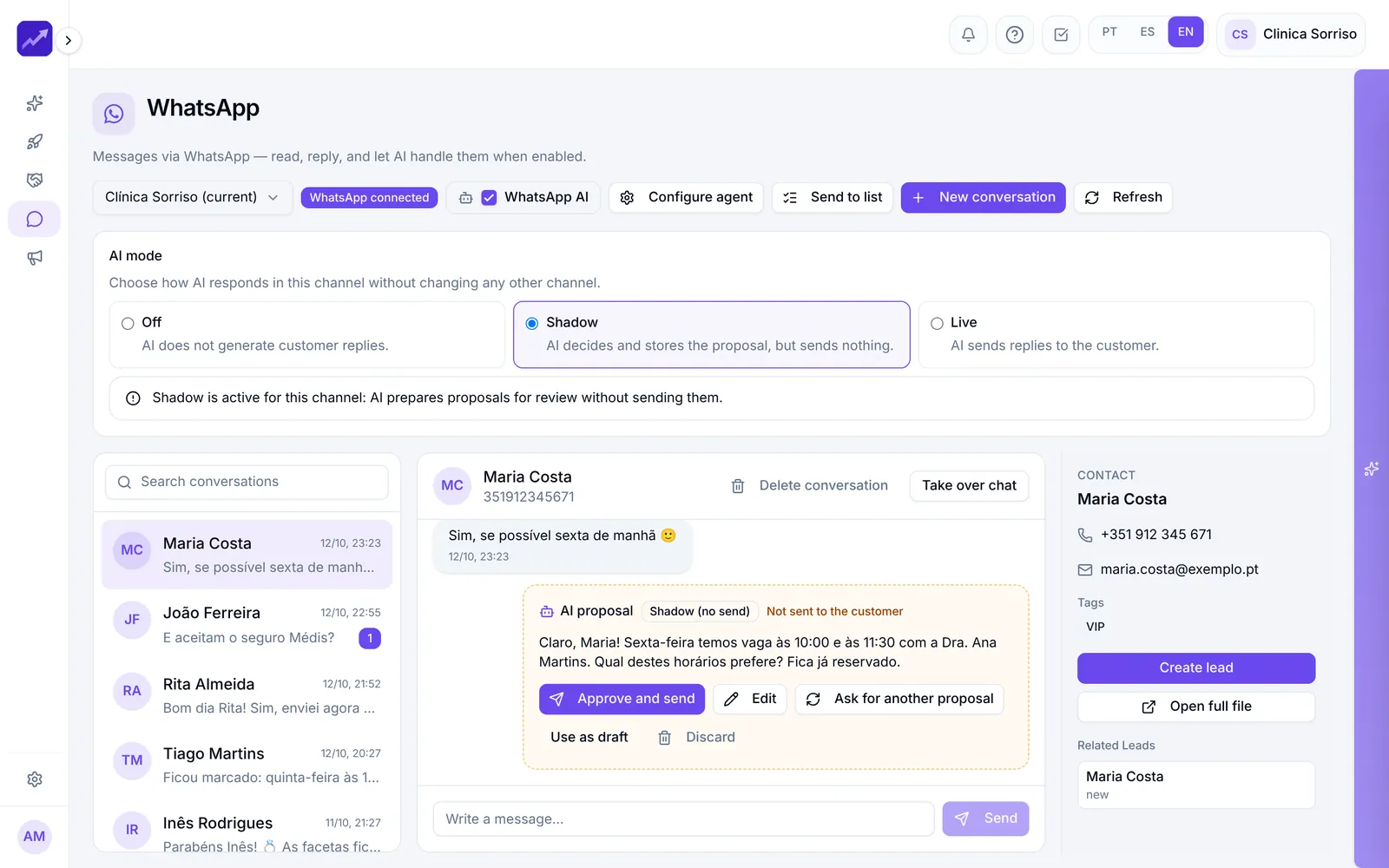
Real PingSales screens with fictitious sample data (Clínica Sorriso). Click to enlarge.
One record with everything that happened.
Edit anything directly on the contact record — there's no save button, and if you make a mistake, undo with Ctrl+Z. See WhatsApp messages, emails, meetings, sales, leads and activities.
- Notes in the activity log, such as a call summary
- Open a WhatsApp conversation or create a CRM opportunity from the record
- Merge with another contact or archive, without losing history
Need new customers? Ask for them.
The PingSales directory covers businesses in Portugal and Spain and is updated every day. Tell it what kind of businesses you're looking for and where, and PingSales delivers the contacts.
- Pick activities, country, district and municipality — with several areas in one request
- Up to 500 contacts per request, only businesses with a phone or email, never contacts you already have
- See the estimate before confirming, then watch the request fill up in real time
In detail
Built so no one slips through
- Three ways to view
Cards (people in blue, companies in purple), list or map, which places every address — ideal if you visit clients or work by area.
- Filters that combine
Type, source, category, municipality, who has a phone or email, and creation dates. Build, say, a list of Lisbon customers with an email address.
- No duplicates from the start
Try to create a contact with an email that already exists and PingSales warns you and takes you to the contact you already have.
- Import from Excel in 4 steps
Columns are recognised automatically, you get a preview and the import runs in the background. At the end you see how many were created, updated or skipped.
- Duplicates resolved
Grouped by email or phone: choose which one to keep and the others merge into it, history and all.
- From contact to lead in one click
Select contacts and create leads that show up in the CRM straight away. Export with your active filters, and download generated contacts to Excel.
How it works
From an empty list to a list ready to sell to
- 1Import or generate
Bring in your spreadsheet or request new contacts from the directory.
- 2Filter and organise
Combine filters, tags and categories, and clear out duplicates.
- 3Take action
Create CRM leads, open WhatsApp or add them to a campaign.
Questions
Frequently asked questions
Where do generated contacts come from?
From a directory of businesses in Portugal and Spain that is updated every day. To find email addresses, PingSales searches public sources and the businesses' own websites.
Could I receive contacts I already have?
No. PingSales only delivers businesses you can actually reach (with a phone or email) and never contacts that already exist in your account.
What happens to duplicates during an import?
Contacts with the same email or phone are reused, not repeated. At the end you see how many were created, updated or skipped.
Keep exploring
Even better together
- CRM and AutomationsA pipeline with 0–100 scoring, AI-suggested next actions, ready-to-send messages and automations.See in detail
- Email MarketingAI-generated emails based on your website, consent-based lists, A/B tests and complete reports.See in detail
- WhatsApp and SMSEvery company conversation on one shared screen, AI replies in Shadow or Live mode, broadcasts to lists and SMS.See in detail
Your next customer is already typing
Bring all your contacts together today.
Import your spreadsheet or generate your first contacts. Start for free.
- No credit card
- Ready in minutes
- Free plan