
Sales · CRM
Where opportunities turn into sales.
Leads arrive on their own from WhatsApp, forms, landing pages and Facebook and Instagram ads. Each has a score, a temperature, a source and a suggested next action, so you can go after the hottest ones first.
- Scored from 0 to 100
- AI-drafted messages
- Automations with templates
- No credit card
- Ready in minutes
- Free plan
Real PingSales screens with fictitious sample data (Clínica Sorriso). Click to enlarge.
The AI tells you what to do next — and why.
Open a lead and you see the next action plus the signals picked up in the conversation: whether they asked about price, whether it's urgent, whether they showed buying intent. Owner, estimated value and expected close date save automatically.
- “Prepare message”: a short text in your tone that never invents prices, discounts or deadlines
- Send it via WhatsApp and PingSales offers a reminder in case the customer doesn't reply
- Notes, documents and an AI-written summary of the conversation
Automations that work for you.
When something happens on a lead — it's created, it replies on WhatsApp or it goes quiet — PingSales checks your conditions, waits as long as you want and runs the actions.
- Create tasks, notify the owner, send messages or ask the AI to qualify the lead
- Ready-made templates such as “Hot lead” to get started in seconds
- Its own history, so you know exactly what happened on each lead
In detail
A CRM that doesn't create work
- Your sales stages
New, contacted, qualified, appointments, proposal, negotiation, won and lost. Moving a lead is as simple as dragging its card.
- Sales priority
Filter by source or sort by priority to handle the hottest leads first.
- Five views
Board, list, map, calendar or planned activities — see your leads whichever way suits you.
- New lead in seconds
Pick an existing contact by name, email or phone, or create a new one on the spot.
- Won and lost, with a reason
The final value when you win; price, competition, budget or no reply when you lose. At month end you know where deals are slipping away.
- Import from another CRM
Each row in the file creates the contact and the lead, without duplicates.
How it works
From lead to sale
- 1The lead arrives
From any channel, already scored, with temperature and source.
- 2The AI prepares
It suggests the next action and drafts the message — you confirm.
- 3You close
Mark it won or lost and the history is recorded.
Questions
Frequently asked questions
How is the score calculated?
From what the customer said: whether they asked about price, whether it's urgent and whether they showed buying intent. It runs from 0 to 100 and helps you set priorities.
Does the AI send messages from the CRM on its own?
No. “Prepare message” drafts a text for you; nothing is sent without your confirmation.
Can I bring over opportunities from my current CRM?
Yes. Import a file just like contacts: each row creates the contact and the lead, without duplicates.
Keep exploring
Even better together
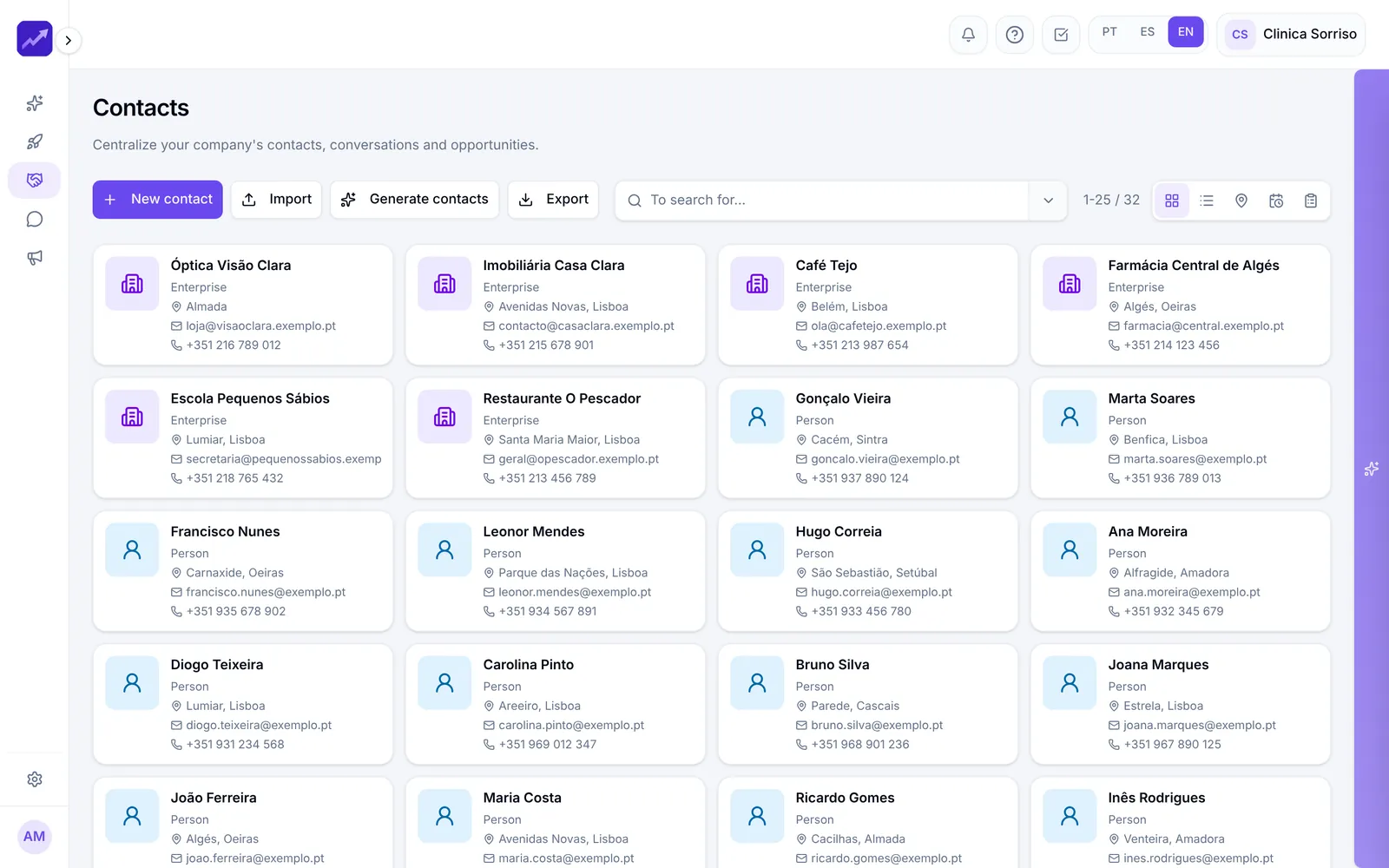
- ContactsAll your contacts in one place, with full history, imports, duplicate handling and new contact generation.See in detail
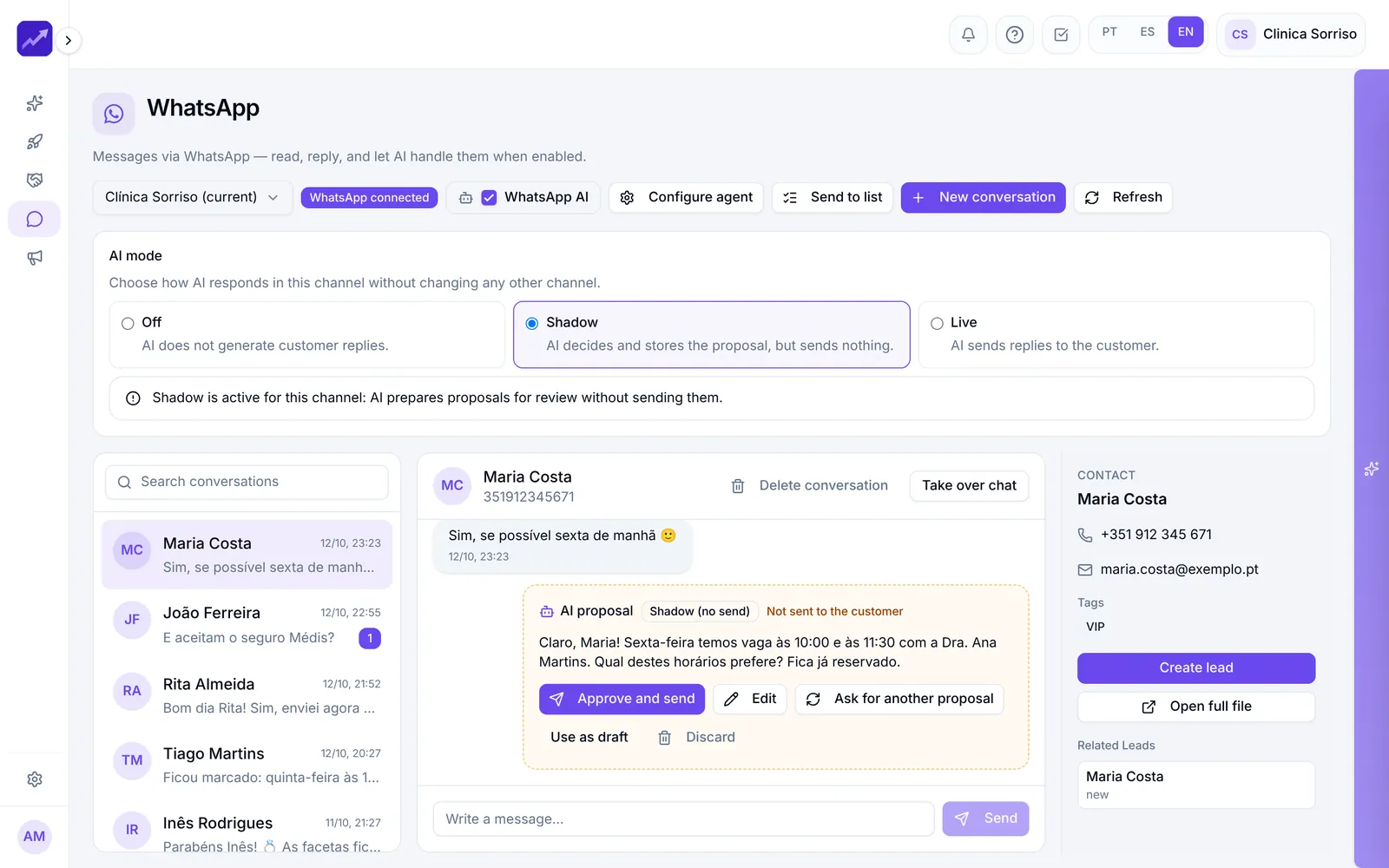
- WhatsApp and SMSEvery company conversation on one shared screen, AI replies in Shadow or Live mode, broadcasts to lists and SMS.See in detail
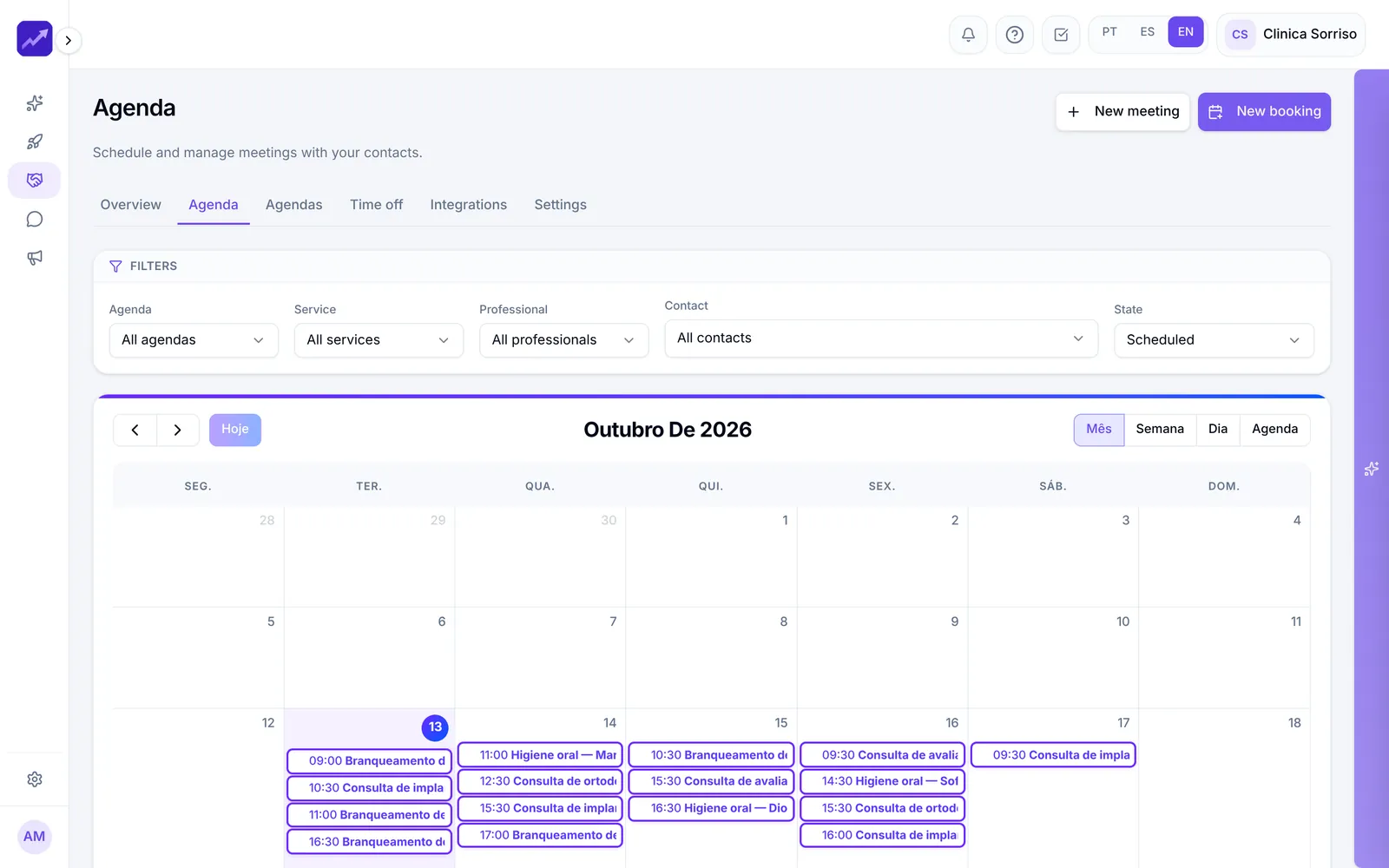
- CalendarCalendars with a public booking page, automatic reminders, blocked time and appointments booked by the AI.See in detail
Your next customer is already typing
Sell more in the same amount of time.
Switch on the AI-powered CRM and see your leads prioritised from day one.
- No credit card
- Ready in minutes
- Free plan