
Marketing · Content
Your communications agency, inside PingSales.
Explain what you want the way you would to an agency: “I want more teeth-whitening bookings in October, with 20% off.” The creative director proposes the strategy — concept, message, audience, channels and timing — and explains why it will work.
- Strategy before pieces
- Posts, carousels and stories
- Editorial calendar
- No credit card
- Ready in minutes
- Free plan
Real PingSales screens with fictitious sample data (Clínica Sorriso). Click to enlarge.
Pieces ready to post.
This is a real post the creative director made for the clinic's October teeth-whitening campaign: image, headline, discount and call to action, with the clinic's logo and colours. You just review and approve.
- Designed with your brand identity, in one click
- Uses only the offer and dates you gave in the brief
- Ask for tweaks in the chat: “change the headline”, “make the price bigger”
One campaign, every format.
The same strategy produces posts, carousels and stories, all with the same message and look. Each piece shows its status — in review, ready or approved — and goes into the editorial calendar.
- The right format for each channel: feed, carousel or story
- Consistent message and visuals across every piece
- Export everything as a ZIP once it's approved
First, it gets to know your brand.
In Brand and Communication you upload your logo and visual examples you like, confirm your colours and set your tone of voice, words to avoid and usual hashtags. PingSales shows you what the creative director has understood — and it keeps learning your preferences.
- Tone of voice, plus words to use and avoid
- Brand colours and visual direction
- Hashtag policy and your usual call to action
In detail
From brief to publication
- You choose the pieces
Pick the pieces you want from the proposed strategy and the creative director creates them.
- Design in one click
Every post, carousel or story gets a design. Each new image uses one creation from your monthly balance, always shown at the top.
- Text fixes are free
Changing a date, a price or a sentence doesn't use your balance, because the text is redrawn on the image.
- It doesn't make things up
The AI never invents prices or dates you haven't given it.
- Start from your own images
Use an image of yours for inspiration, or to adapt or edit it. When you're done, download everything in one file.
- Editorial calendar
Plan the whole month. You post on social media and mark it as published here, so you always have the history.
How it works
Working with the creative director
- 1Write the brief
Give the goal, the offer and the deadline in your own words.
- 2Approve the strategy
Concept, message, audience, channels and timing.
- 3Get the pieces
Approve them, add them to the calendar and publish.
Questions
Frequently asked questions
Does PingSales post to social media for me?
No. You copy the text, download the image, post it and mark it as published in the editorial calendar.
Does fixing text use up my balance?
No. Only each new image uses a creation; correcting text, dates or prices is free.
Could the AI invent promotions?
No. It only uses the prices and dates you give it.
Keep exploring
Even better together
- Landing Pages and FormsLanding pages generated by AI in minutes and forms connected to your CRM, with conversion stats.See in detail
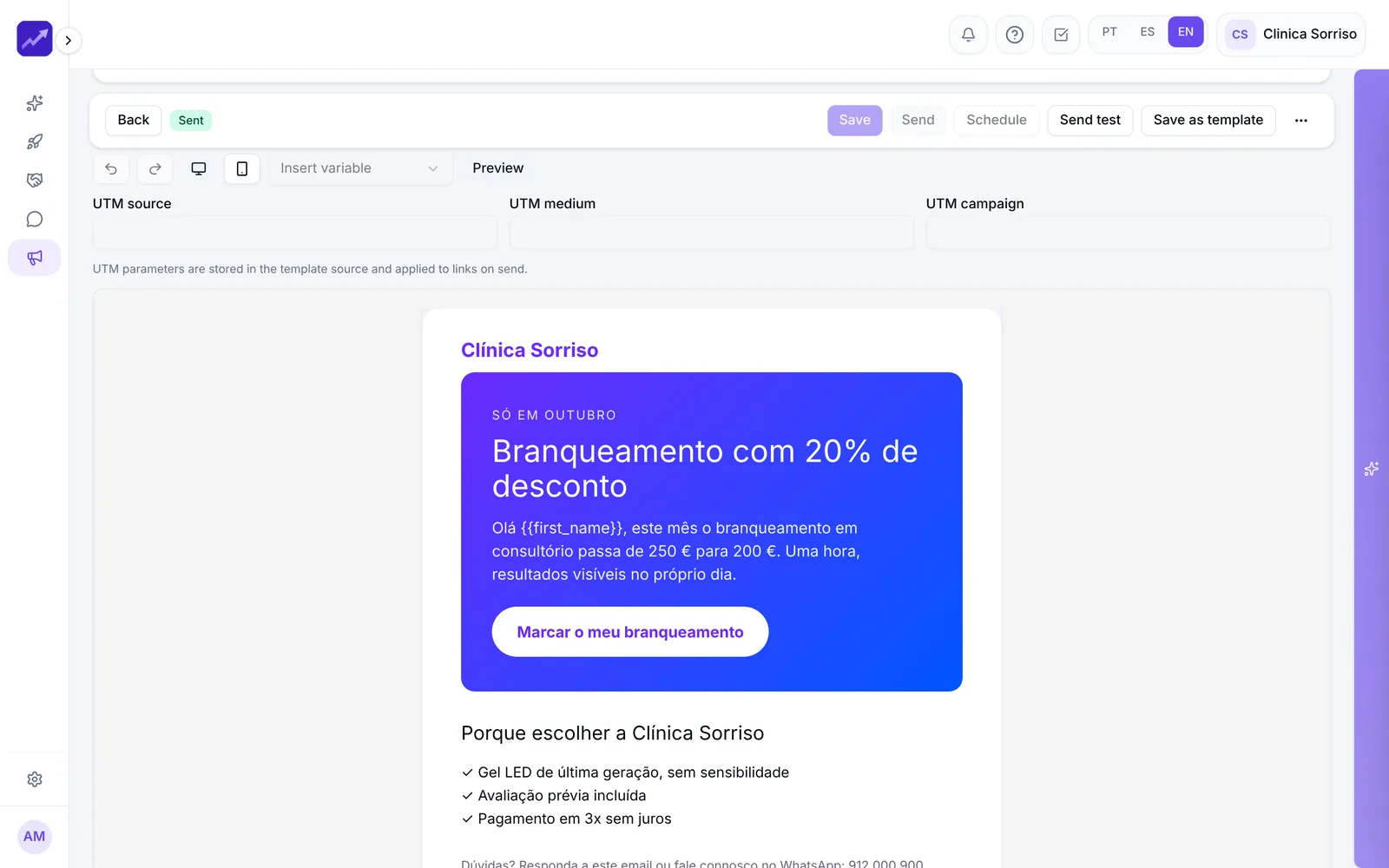
- Email MarketingAI-generated emails based on your website, consent-based lists, A/B tests and complete reports.See in detail
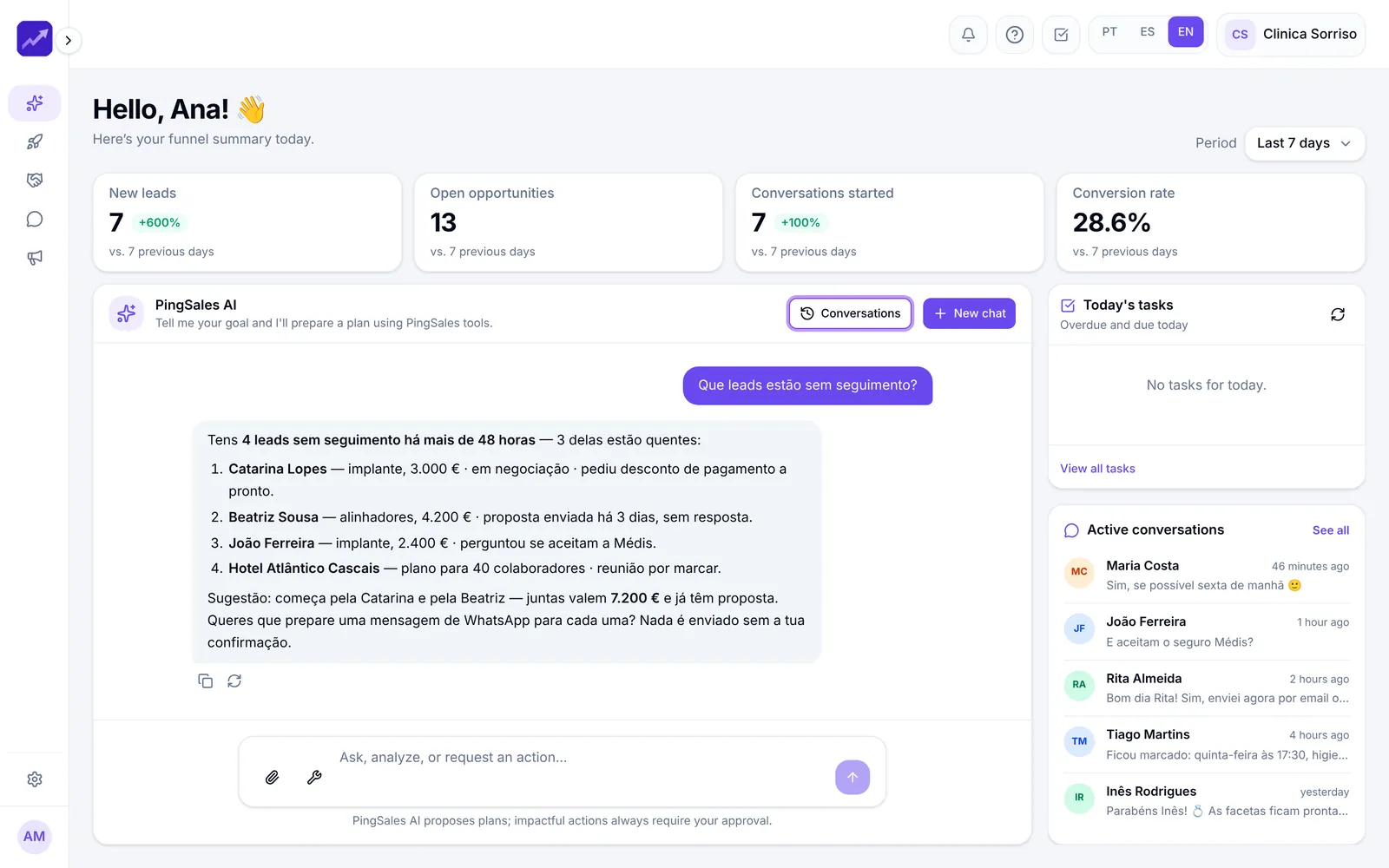
- PingSales AIYour dashboard plus an assistant that knows your data, answers questions and proposes plans that only run once you approve them.See in detail

Your next customer is already typing
Plan a month of content in an afternoon.
Write your first brief and get a strategy back. Start for free.
- No credit card
- Ready in minutes
- Free plan