
Marketing · Email Marketing
A great-looking email in a fraction of the time.
Tell it where to get the information and what the goal is — say, promoting teeth whitening with 20% off in October. The AI analyses your website, colours, fonts and logo and builds the complete email.
- Generated by AI
- Consent-based lists
- Checked before sending
- No credit card
- Ready in minutes
- Free plan
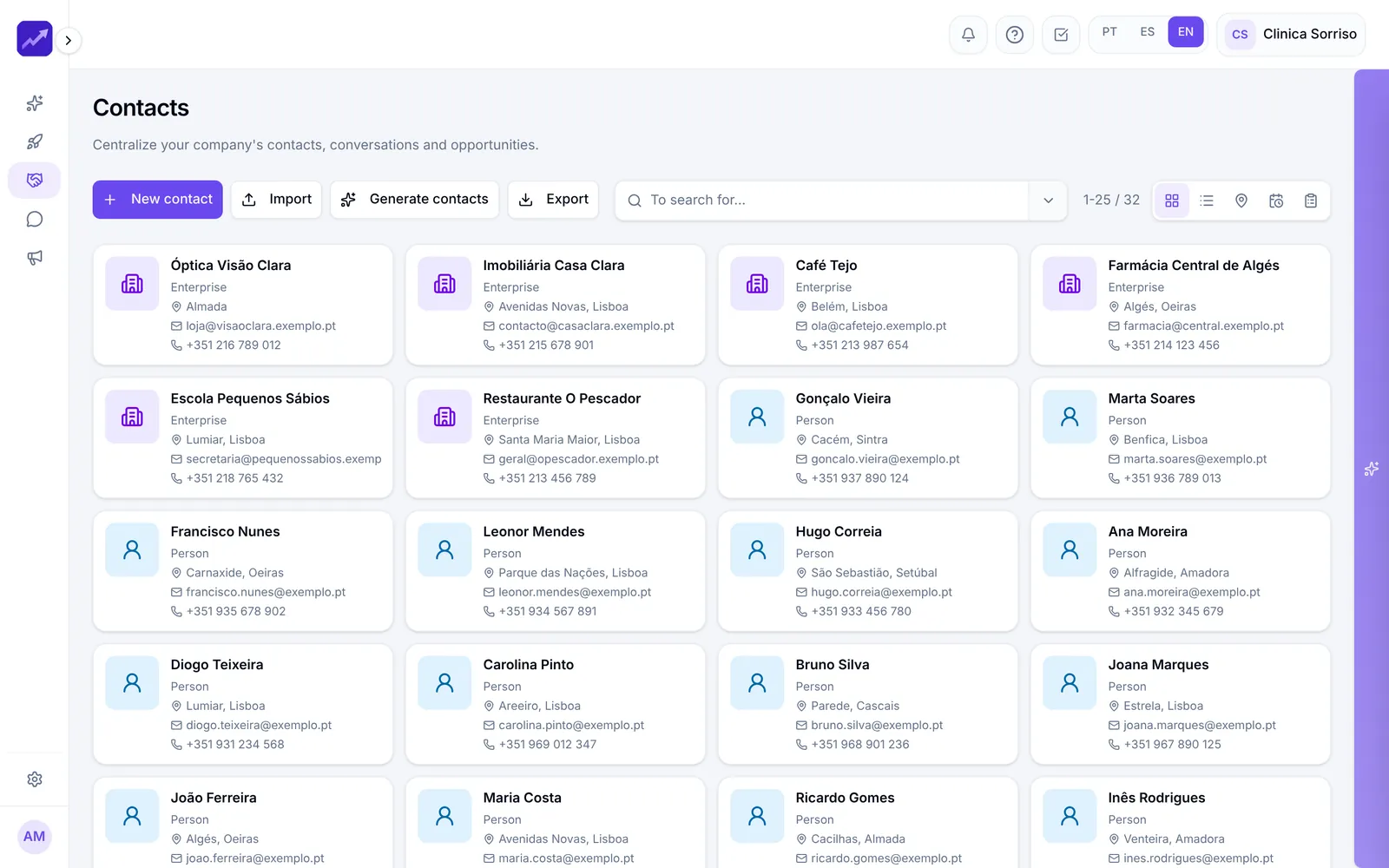
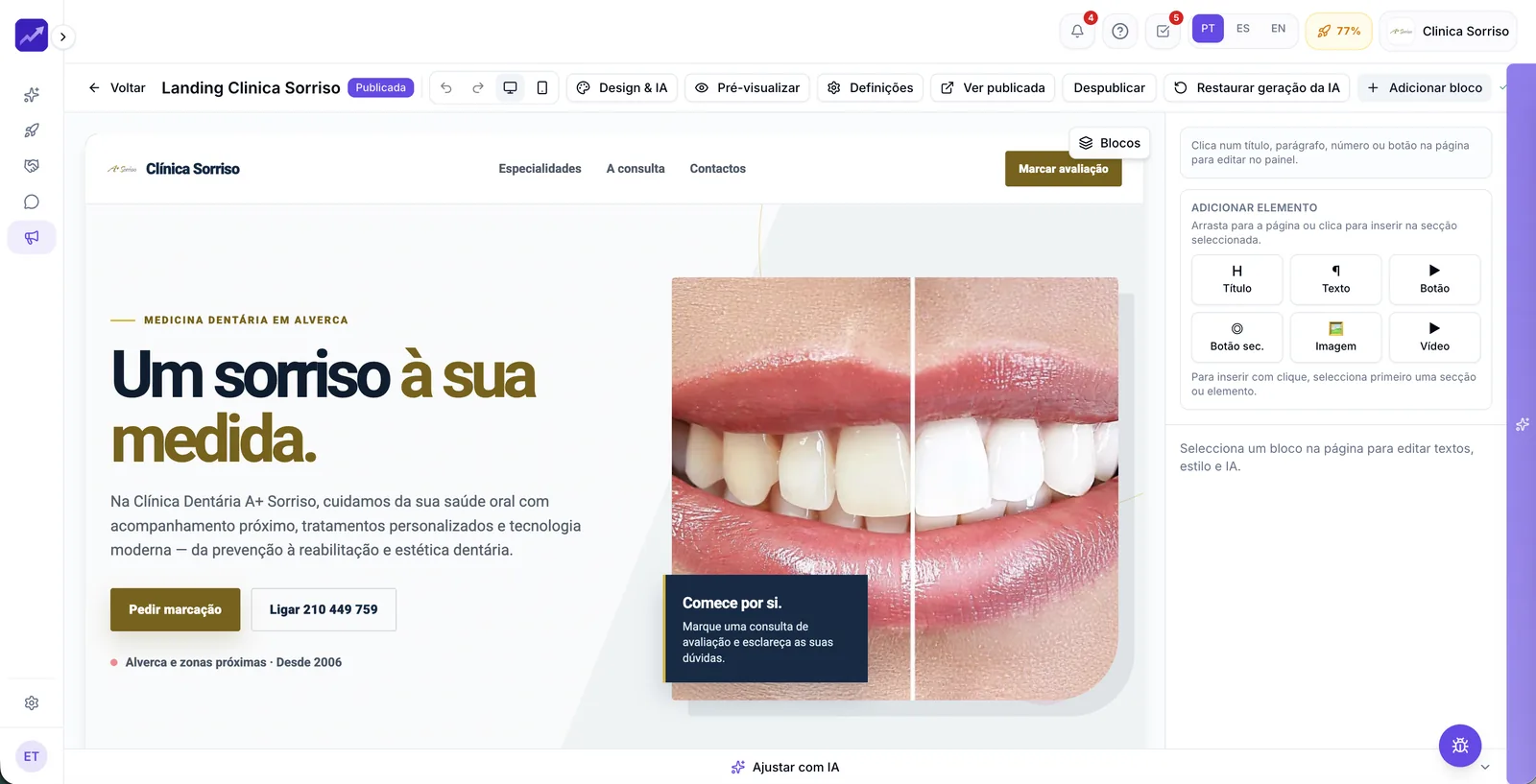
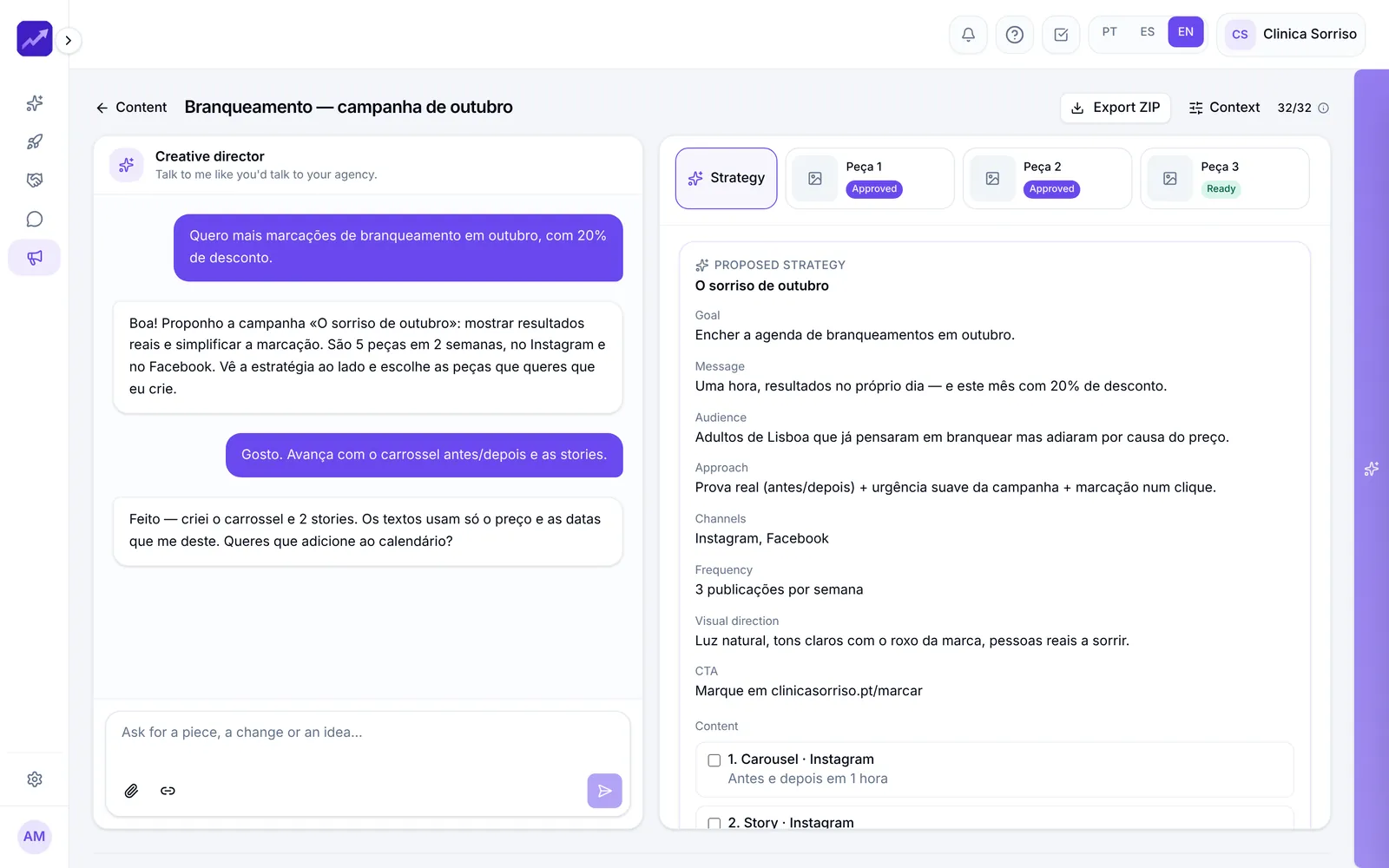
Real PingSales screens with fictitious sample data (Clínica Sorriso). Click to enlarge.
After sending, you know everything.
Who received it, who opened it, who clicked and on what, who replied and who unsubscribed. Every number opens the list of people behind it, and you can export it all to Excel.
- Opens are an estimate — so focus mainly on clicks and replies
- A/B test two subject lines and let PingSales pick the winner
- Send now or schedule, and follow the progress
In detail
Professional campaigns, minus the hassle
- Set up in 2 minutes
Your legal name, address and privacy policy go into every email footer, alongside the unsubscribe link. The sender comes ready and verified.
- Your own domain
Want to send from your own domain? PingSales tells you exactly which records to create.
- Lists that follow the rules
Build them from your contacts; anyone without an email or who opted out of marketing is left out. For imports you declare the source and legal basis.
- Block-by-block editor
Three alternatives for any text, buttons, a first-name variable, subject line suggestions — or just ask “make the email shorter”.
- Your real audience
Before sending you see how many people will actually receive it, with those who shouldn't already excluded.
- Final check
Sender, links, audience and sending limits. If something's wrong, you know before the first email goes out. Send a test using a real customer's data.
How it works
From idea to send
- 1Set the goal
And where the AI should get its information — your website, for example.
- 2Fine-tune
Edit block by block and preview on desktop and mobile.
- 3Send and measure
Final check, send or schedule, then the full report.
Questions
Frequently asked questions
Can I import a purchased list?
No. When importing you declare where the contacts came from and the legal basis, and confirm the list wasn't bought — that's how you stay GDPR-compliant.
Do I need to set up the legal footer?
Only once: the details you enter are added automatically to every email footer, along with the unsubscribe link.
Are open rates exact?
No. They're an estimate, and acceptance by the receiving server doesn't guarantee inbox delivery. That's why clicks and replies matter most.
Keep exploring
Even better together
- ContactsAll your contacts in one place, with full history, imports, duplicate handling and new contact generation.See in detail
- Landing Pages and FormsLanding pages generated by AI in minutes and forms connected to your CRM, with conversion stats.See in detail
- ContentAn AI creative director that knows your brand, proposes strategies and creates posts, carousels and stories.See in detail
Your next customer is already typing
Send your first campaign this week.
Set the goal and the AI builds the email. Start for free.
- No credit card
- Ready in minutes
- Free plan